
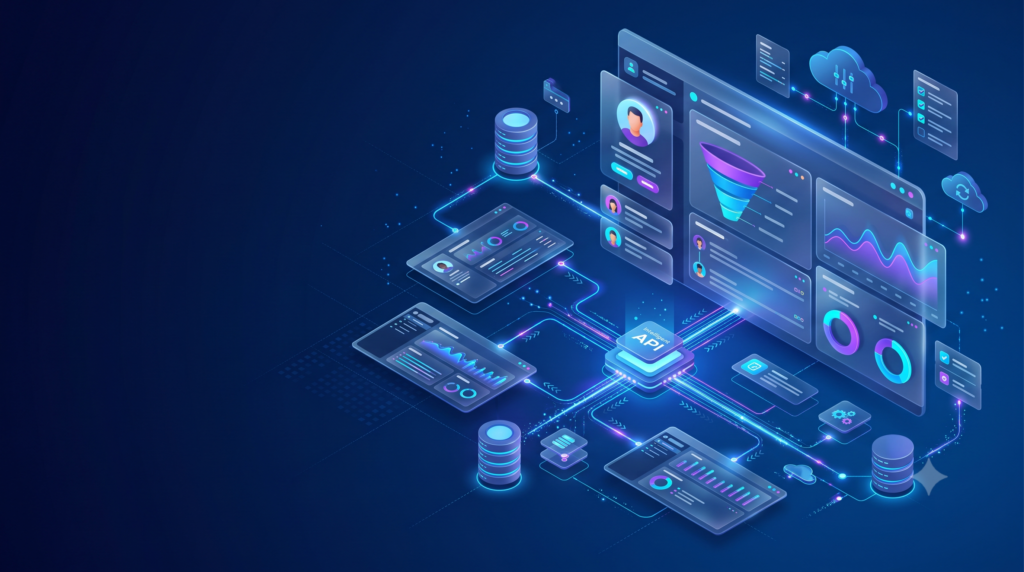
A SaaS application may have its own customer database, subscription management system, user accounts, and business workflows. Many organisations also use a CRM system to handle elements of sales, communication and customer service.
When these are used separately, staff may be required to re-enter data about customers. Further, sales teams might not be aware that a customer has moved up a subscription tier, and customer service may not have visibility of up-to-date customer information.
CRM can be integrated with bespoke SaaS products allowing the systems to share appropriate data and automate business processes.
Customer, sales, subscription and customer service data – alongside further business data – can be integrated using APIs, webhooks and bespoke back-end solutions.
Whilst data integration is concerned with more than just sharing customer names and contact details, companies also need to address data ownership, data synchronisation, security and ongoing management issues.
This guide explains how CRM integration works with custom SaaS applications, the available integration methods, important technical considerations, and when custom development makes sense.
Table of Contents
What Is CRM Integration With Custom SaaS Software?
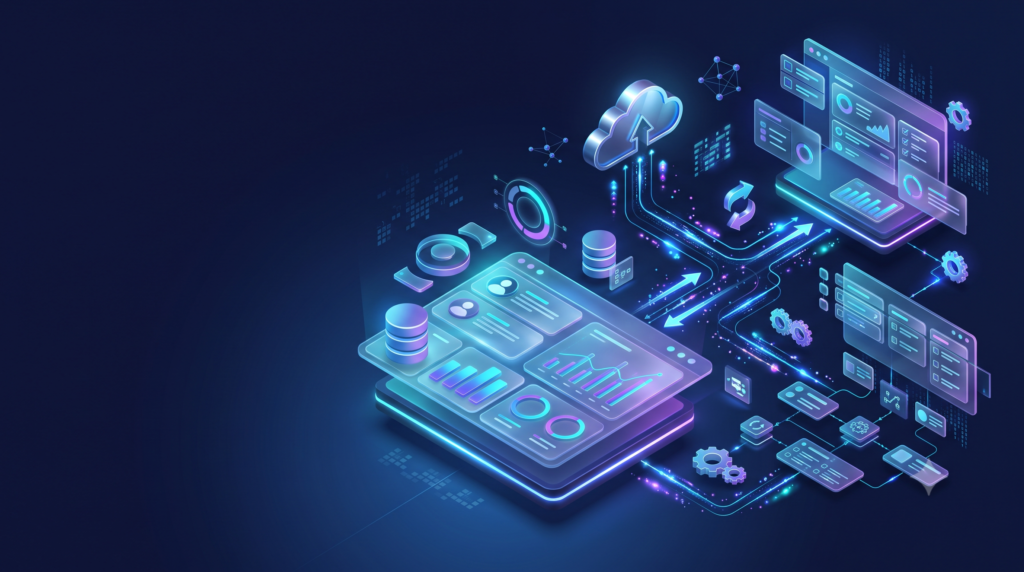
Integration is used to enable data to be shared between a CRM and bespoke SaaS.
A company can for instance use a SaaS based project management tool and also use a CRM such as HubSpot or Salesforce.
On sign up for a SaaS tool, the system could then automatically generate a new contact within a CRM. Further still, if a customers SaaS subscription was altered, the relevant CRM contact could also be updated from the SaaS back-end.
Data can be synchronised in single or both directions depending on the integration needs.
Common examples include:
- Creating CRM contacts when new SaaS users register.
- Synchronizing customer account information.
- Update CRM memberships.
- Share customer data with the sales function.
- Raise service requests based on customer problems.
- Start processes following key account related events.
- Update customer data.
This will vary according to the CRM, the APIs and the design of the bespoke SaaS solution.
Why Do Businesses Integrate CRM Platforms With Custom SaaS Applications?
Different areas of business can use different software.
A CRM is used for looking after customers and bespoke SaaS can be used for managing subscriptions and features along with performing sales and analysing user behaviour.
Without integration duplicate data about a customer can be created.
This creates several problems.
1. Duplicate customer information
Employees may enter customer details into both the CRM and SaaS application. Data in systems can also differ between them leading to data inaccuracy.
2. Limited customer visibility
Staff can be unaware of which functionality a customer engages with, if they are still subscribed and if they have sought assistance in recent times.
3. Manual data entry and management
Staff may need to manually enter, amend and allocate data and share it between teams.
4. Delayed business processes
There may be a number of manual processes which must occur before newly registered or upgraded subscribers details are shared with the appropriate teams.
5. Difficult reporting
Wherein data is stored in different systems, reporting is increased in complexity.
CRM is used to integrate various systems thus enabling companies to manage reporting effectively.
How Does CRM Integration With Custom SaaS Software Work?
This may involve a CRM, SaaS back end and API together with data replication.
For example, a SaaS organisation may offer project management functionality.
Customers sign up for and choose a version of this SaaS offering and then begin utilising it.
Appropriate data can be shared via the SaaS app to the CRM, so that the sales and customer success departments can see a customers’ account information.
Generally this will follow a process of:
- Signing up for the SaaS app.
- And the SaaS back end checking this.
- The backend sends the required customer information to the CRM API.
- It will then create or amend the relevant contact/company within the CRM.
- Where necessary, it will activate processes.
- And the SaaS will capture and hold the integration reply.
Integration can also work in reverse.
For instance, an account executive could amend a customer’s contact information within the CRM.
The Main Components of a CRM Integration
1. CRM platform
The CRM is responsible for managing customer relationship information.
Depending on the platform, this may include people, businesses, sales and functionality and also user defined items.
2. Custom SaaS backend
The backend handles the application’s business logic, customer accounts, authentication, database operations, and integration requests.
It is the central interface used to link to external services for a SaaS product.
3. API integration layer
The integration layer manages communication between the two applications.
It manages authorisation, making API calls, and converting and returning information.
4. Database and data mapping
Both applications may use different structures for storing customer information.
Mapping is used to match the different data elements of two applications.
5. Webhooks and background processing
Webhooks communicate important events between systems. Background services can perform more extensive synchronisation functions, without affecting the performance of an application.
Together these elements allow a secure and controllable integration solution.
Common CRM Integration Methods for Custom SaaS Applications

Not every CRM integration requires the same technical approach.
These will differ depending on the nature of data, the amount of integrated software and the level of process sophistication, and also what CRM API functionality is available.
1. REST API Integration
REST APIs allow applications to exchange information through HTTP requests.
A custom SaaS backend can use a CRM’s API to create contacts, retrieve account information, update records, and access supported CRM resources.
When a user signs up to a SaaS platform, the back-end can make an enquiry to the CRM to set up a new contact.
REST API integration is useful for:
- Creating customer records.
- Retrieving existing contacts.
- Customer data updates
- Company data maintenance
- Sales process support
- Integration of bespoke applications and a CRM
- As such, developers can manage both the sending and receiving of data.
Nevertheless, the integration should recognise aspects such as API access credentials, API call restrictions, navigation through large data sets and data versioning. It should also manage erroneous data calls.
2. Webhook-Based CRM Integration
Webhooks allow one application to notify another when a particular event occurs.
Rather than continually querying, an application can also subscribe to events raised by a system.
For example, a CRM can issue a webhook to a SaaS’ back-end application when it updates a contact.
It can then check the event is genuine and determine which customer has been updated. The relevant customer details can then be amended.
Webhooks are useful for:
- New customer registrations.
- Contact updates.
- Subscription changes.
- Sales opportunity updates.
- Customer status changes.
- Support-related events.
Webhooks however need to be dealt with appropriately.
Validation of webhooks should occur. Duplicate webhooks also need to be recognised. Appropriate re-trying and logging should then be implemented.
For more information, see BkAbhi’s guide to webhook integration and event-driven architecture.
3. Middleware and iPaaS Integration
Middleware provides an intermediate layer between different software applications.
Integration as a service, also known as iPaaS, allows organisations to integrate, automate and transform information.
Companies can utilise software including Zapier, Make and n8n to integrate compatible CRM and SaaS services, rather than build their own integrations
For example:
- A customer fills in a sign-up form.
- This is then triggered on an automation tool.
- The platform checks the required information.
- A new CRM contact is created.
- Notification is provided to the sales team.
This may be an effective method of implementation.
Nevertheless, organisations should analyse the functionality, data availability and number of transactions along with cost and the extent to which the system can be adapted to meet specific business needs.
4. Custom Backend Integration
Custom backend integration involves developing the connection specifically for the SaaS application’s architecture and business requirements.
Rather than relying entirely on predefined connectors, developers build the required API communication, data mapping, authentication, and synchronization logic.
This can be useful when:
- The application has complex customer data structures.
- Multiple CRMs can be integrated.
- Users will wish to integrate their own CRMs.
- Two-way integration needs to follow set guidelines.
- CRM integration is included within a SaaS offering.
- Each customer may need a unique integration setup.
Whilst providing an extra level of control, it also results in further development, testing, management and security issues which must then be addressed.
What Customer Data Should Be Synchronized Between CRM and SaaS Software?
Deciding what data is shared between applications is also key.
It is uncommon for all fields to be in synchronisation.
Companies must assess what data is relevant for its selling, support and product processes.
Typical data sharing areas include:
| Data type | SaaS application | CRM platform |
| Customer details | User profile | Contact record |
| Company details | Organisation account | Company record |
| Subscription status | Subscription database | Customer property |
| Registration date | User database | Contact property |
| Account activity | Product activity records | Selected customer activity |
| Support requests | Support module | Ticket or activity record |
| Sales information | Relevant account data | Deal record |
The exact field mapping depends on the CRM’s available objects and the custom SaaS database structure.
Define who owns what data
Often there is no definition of which system should be the owner of a customers data, and both systems are allowed to update it.
Typically for example, a SaaS application will own a customer’s login details and subscription, and a CRM will own sales information and lead ownership.
Without clear guidelines as to who can update what, duplicate or inconsistent data can occur.
Instead, best practice is to set out data ownership.
| Information | Suggested source of truth |
| Login credentials | SaaS application |
| User permissions | SaaS application |
| Subscription access | Billing or SaaS backend |
| Sales representative | CRM |
| Sales opportunity | CRM |
| Product usage | SaaS application |
| Support ticket status | Designated support system |
These are example ownership decisions, not universal rules.
Ownership should be decided by reference to processes and systems.
Handle Duplicate Customer Records
Duplicate records can occur when the same customer registers using different email addresses or when an integration receives the same event more than once.
Good practice is to use key identifying information.
For example, the SaaS database can store the CRM record ID associated with each customer.
Where there is a change, the integration will first search to see if there is already a CRM entry for that information and then add new one if not.
Whilst email addresses can also be used for identification, these should not be assumed to be fixed as customers may wish to amend these.
Real-Time Data Synchronization Between CRM and SaaS Applications

Data synchronization determines how changes in one application are reflected in another.
Most businesses will synchronise data either periodically, on an event basis or a mixture of these two options.
Scheduled Synchronization
Scheduled synchronization transfers information at predefined intervals.
The back-end of a SaaS solution could scan a CRM platform every 15 minutes and amend connected customer information.
This may work well where instant synchronisation is not essential.
Advantages include:
- Easier implementation for some workflows.
- API control.
- Batch data processing.
- Reduced reliance on real time streaming.
Note however that there may be a delay before events are received.
Event-Driven Synchronization
Event-driven synchronization starts when a specific action takes place.
If a customer alters their subscription for example then a SaaS solution can publish an event.
A batch job is subsequently triggered by this event which then updates the relevant CRM data.
This can be beneficial for processes where prompt notification is important.
However, asynchronous processing introduces additional considerations, including duplicate events, delivery failures, event ordering, and eventual consistency.
Which Synchronization Method Should Businesses Choose?
| Requirement | Suitable approach |
| Occasional customer updates | Scheduled synchronization |
| Immediate notification of account changes | Webhooks |
| Complex asynchronous workflows | Event-driven architecture |
| Large historical data imports | Batch processing |
| Critical customer information | Event-driven updates with reconciliation |
Hybrid solutions can often be suitable.
Webhooks provide instant alerts and regular reconciliation can be used to highlight any data that has not been captured or synchronised correctly.
CRM Integration Architecture for Multi-Tenant SaaS Applications
Multi-tenant SaaS applications introduce an additional challenge.
Whilst one business only uses a single business application, multi-tenancy allows several businesses to access the same software.
Each organisation may want to connect its own CRM account.
A SaaS system may be required to integrate with various HubSpot and/or Salesforce systems for 100 separate companies. It is vital that data can be kept distinct for each organisation.
Important Architecture Considerations
1. Separate CRM connections by tenant
Each organisation should have its own authorised CRM connection.
Correct credentials and data should be associated with the suitable ‘tenant’.
2. Store credentials securely
Access tokens and refresh tokens should not be stored in publicly accessible locations or exposed through frontend code.
Use appropriate secure storage and access controls.
3. Apply tenant-level permissions
A customer should only be able to access and modify their own integration settings.
Furthermore, back-end functionality needs to confirm a tenants identity.
4. Support different field mappings
Different organisations may use different CRM custom fields.
The integration should allow the required mappings to be configured without affecting other tenants.
5. Monitor each connection independently
If one organisation’s CRM connection expires, the system should identify and report that issue without disrupting other customers.
Above all, this becomes especially important if an integrated CRM is part of a SaaS business offering.
Security Considerations When Integrating CRM With Custom SaaS Software

CRM platforms often contain sensitive customer and business information.
Therefore, integration security should be considered during architecture planning rather than added after development.
Important considerations include:
OAuth 2.0 Authentication
OAuth 2.0 allows an application to obtain authorised access to another service without requiring customers to share their CRM passwords directly with the SaaS provider.
Only ask for those permissions which are relevant.
An integration does not therefore need to ask for a permission to remove CRM data if it is only intended to view contact details.
Secure Credential Storage
Access tokens, refresh tokens, and API credentials should be protected using suitable secrets-management mechanisms.
Permissions must not be included in client side JavaScript, public source code and server log files.
Data Encryption
Sensitive information should be protected during transmission and stored using appropriate security controls.
Access Control
Only authorised application components and users should be able to access integration credentials and customer information.
Audit Logging
Businesses should maintain useful records of important integration activities, such as:
- CRM connection creation.
- Permissions.
- Synchronisation.
- API errors.
- User details.
- Users may have their account(s) unlinked.
Logs should avoid unnecessarily storing passwords, access tokens, or sensitive personal information.
Common CRM Integration Problems and How to Avoid Them
Even a correctly configured integration can encounter problems after deployment.
Consider how to deal with these scenarios in design.
1. Duplicate Records
Problem: The same customer is created more than once.
Use persistent identifiers, data deduplication and idempotency.
2. Failed API Requests
Problem: The CRM service becomes unavailable or rejects a request.
Design a re-try strategy. Capture error information and notify users when human action is needed.
3. Conflicting Data Updates
Problem: The CRM and SaaS application update the same customer field.
Define who owns data and set out policies for dispute resolution.
4. Expired Authentication
Problem: The CRM connection stops working because an access token expires or permissions are revoked.
Use batch functionality if available, defer low priority items and analyse API activity. Adhere to the supplier’s advised limits on calling an API.
5. API Rate Limits
Problem: The integration makes more requests than the CRM allows.
Log events; re-attempt to process data and regularly compare key data with the source.
6. Missing Webhook Events
Problem: An event is not successfully processed.
Solution: Record event identifiers, retry failed processing, and periodically reconcile important records against the source system.
How to integrate CRM and custom SaaS software
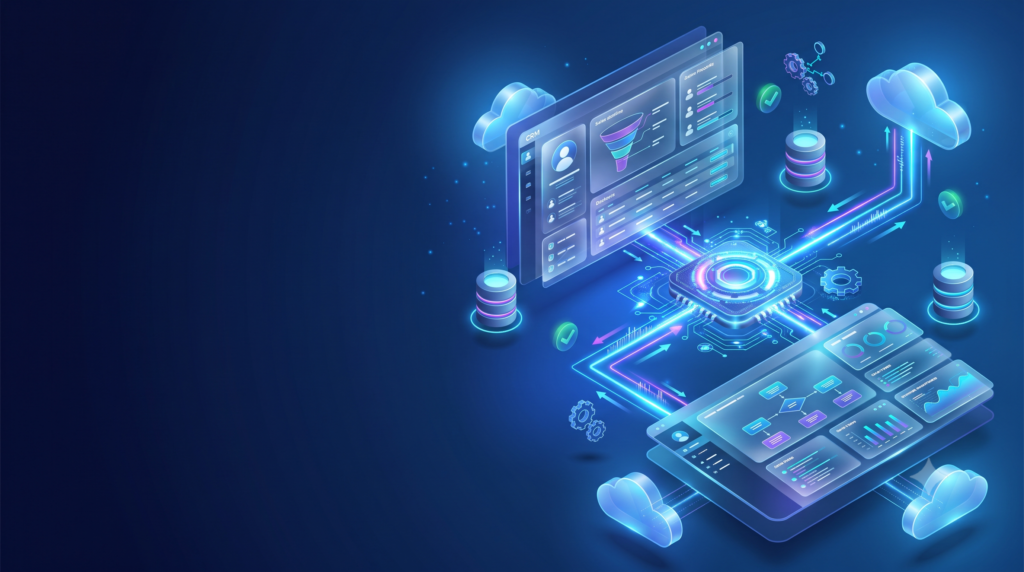
Good planning will help to avoid problems when integrating a CRM and SaaS.
Step 1: Identify the Business Requirements
Decide on the reasons for integrating a CRM with a SaaS platform.
In addition you should define the type of information which is to be shared and the business functions that can be automated.
Examples of integration needs for SaaS include:
- Generating CRM contacts for registered users.
- Update subscription information
- Move account information into customer success areas
- Configure sales staff re engagement processes
List the business requirements and determine the correct integration method(s) to utilise.
Step 2: Review CRM API Documentation
Review the API documentation for a chosen CRM.
Review integration information. Update inter-linkages where required and continually check the integration is performing correctly.
Not all CRM’s will have identical features and data functions.
Step 3: Design the Data Mapping
Ascertain how data elements within the SaaS database match those for the CRM.
Determine which system is responsible for different data elements. Establish how to manage gaps, poor quality and/or inconsistent data.
Step 4: Choose the Integration Architecture
Evaluate if a pure API, middleware, webhook or bespoke integration solution is suitable.
Think about expected volumes; for example, customers, data and the complexity of business activities. Also consider future management requirements.
Step 5: Develop and Test the Integration
Set up authentication, the API link, data mapping and data synchronisation. Include procedures for managing errors.
Test normal operations as well as failure scenarios.
For example:
- What happens if a customer already exists?
- What happens if an API request fails?
- Can duplicate events create duplicate records?
- What happens when a customer disconnects their CRM?
- Can one tenant access another tenant’s integration data?
Step 6: Deploy and Monitor
After testing, deploy the integration and monitor its performance.
Issue tracking should include problems relating to APIs, synchronisation, authentication and any abnormal data.
Step 7: Maintain and Improve
CRM and business needs may evolve and so too may the APIs.
Investigate integration logs, amend dependencies as needed and regularly verify that the integration is functioning as expected.
When Should a Business Choose Custom CRM Integration?
Not all businesses will need a bespoke integration.
If suitable apps can be integrated then a generic integration or automation tool may prove to be suitable.
However, custom development becomes worth considering when:
- The SaaS application has a specialised database structure.
- Standard connectors cannot support the required business logic.
- Customers often have differing CRM set up requirements.
- The CRM must provide sophisticated two-way integration.
- Integration feature is fundamental to the SaaS offering.
- Personal or multi-tenant integration permissions may be required.
- Business processes also demand specific exception management.
Technical and business needs should drive integration choices.
In addition, businesses must analyse the resources needed to implement, manage and run an integration.
For a broader explanation of these factors, see how third-party API integration costs are estimated.
Frequently Asked Questions
1. What is CRM integration with custom SaaS software?
CRM integration is when a company integrates its CRM with bespoke SaaS. Information about customers and business can therefore be transferred between the two via a range of methods such as APIs, webhooks and integration software.
2. Can a custom SaaS application integrate with HubSpot or Salesforce?
Yes, provided the required functionality is supported by the CRM’s APIs and permissions. Developers can connect a custom SaaS backend with CRM services to create, retrieve, and update supported records.
Depending on which CRM and it’s associated API docs will determine what is possible.
3. What is the difference between CRM API integration and webhook integration?
Applications can ask for or share data using APIs. Webhooks are used to alert an application to something that has happened.
An API can be used to access a customers data in a CRM. A webhook can then inform the Saas application that this data has been updated.
4. Can CRM data synchronize in real time with a SaaS application?
Event driven integration and webhooks can also provide close to real time synchronisation.
The true real time element will be affected by factors such as the CRM system, event transmission, the network and the SaaS system’s data processing methodology.
5. Is custom CRM integration necessary for every SaaS business?
Standard integration tools and integration middleware are well suited for addressing common integration needs. However, businesses may require bespoke development to support niche data mappings, advanced business processes, multi-tenancy, or greater control over integration functionality. Choosing the right CRM solutions for SaaS companies can also help businesses understand how CRM capabilities align with their specific software architecture and operational requirements.
6. How can businesses prevent duplicate CRM records?
Applications can use stable identifiers, existing record checks, idempotency controls, and appropriate duplicate-detection rules.
Webhook duplication and re-trying should also be managed.
7. How does CRM integration work in multi-tenant SaaS architecture?
Every company should have a CRM system integration that is approved separately and has its own authentication details along with authorisation, mapping and synchronisation options.
The back-end needs to ensure that a company’s integration is unable to view the data of another.
Conclusion
Companies can integrate CRM into bespoke SaaS systems so that it works in tandem with core system capabilities.
This can help to eliminate data re-entry, enhance customer insights and enable systems to automate processes including those of sales and customer success.
Whilst setting up a link via an API is key to integration, additional issues to consider include defining data ownership, deciding which data to map and managing user verification, data synchronisation, multi-tenancy and exception scenarios.
Whilst basic integration needs can be fulfilled using existing integration options or integration middleware, bespoke SaaS systems may require specific back-end integration where the business processes and/or data needs are not adequately met by generic solutions.
Once companies understand what customer data has to be shared between systems, and for what reasons, they can then implement the most appropriate integration structure for their business, and avoid undue technical complication.
About the Author
Jeevesh Tripathi is a research-based technology writer at BkAbhi Innovations Lab. His writing focuses on software development, SaaS architecture, artificial intelligence, API technologies, and digital product development.
He emphasizes practical explanations, evidence-based information, and technology decisions that founders and businesses can understand without unnecessary technical jargon.
Contact: jeevesh@bkabhi.com