

Older software can continue supporting business operations for years, but maintaining it becomes difficult when technology, customer expectations and business requirements change. Performance issues, security updates, integration and new features in legacy applications may be difficult to manage.
This can slow product development and require more maintenance for start up or growing businesses. Replacing the entire application is not always necessary, though. Careful modernisation can improve the application, without breaking its core functionality.
Legacy Software Modernisation services can help you evaluate, upgrade, re-platform, re-factor and re-develop legacy applications, to meet your technical needs and business goals. This guide will explain the key services available, options and approach, process, potential issues and things to consider when choosing the right development partner.
Table of Contents
What Are Legacy Software Modernization Services?
Modernisation of legacy systems allows the system (software, databases etc.) to fit modern business requirements.
This does not necessarily mean using new languages/technologies. Modernisation should be carried out where there are problems with the system. This can include an outdated design, incompatibility with other systems, inefficiencies, vulnerabilities and incompatibility with newer systems.
For example if a business has an inventory management system that was created many years ago, orders may be processed accurately. However, connecting this system to a new e-commerce system may cause data to have to be manually entered.
Modernisation may include adding APIs, upgrading databases, improving the design of the application or moving certain aspects of the application into cloud based infrastructure.
The appropriate solution depends on the condition of the existing application and the improvements the business needs.
Modernisation services may include:
Assessment of applications – understanding limitations within an application, along with dependencies and architecture.
- Refactorisation – improving the structure of code, without changing functionality.
- Architecture modernisation – improve the maintainability, integration and scalability of applications.
- Cloud migration: Moving applications and supporting infrastructure to cloud environments.
- Database modernization: Upgrading database technologies, improving data structures and planning data migration.
- API Integration – integrating legacy systems with modern platforms.
- UI modernisation – Updating old UIs to improve usability.
- Testing and Deployment – Testing that application performs as intended, with optimal performance, compatibility and reliability.
Depending on the application, not all of these services will be required. It is important that businesses prioritise the most critical technical limitations in order to decide on an appropriate modernisation strategy.
Why Businesses Need Legacy Software Modernization
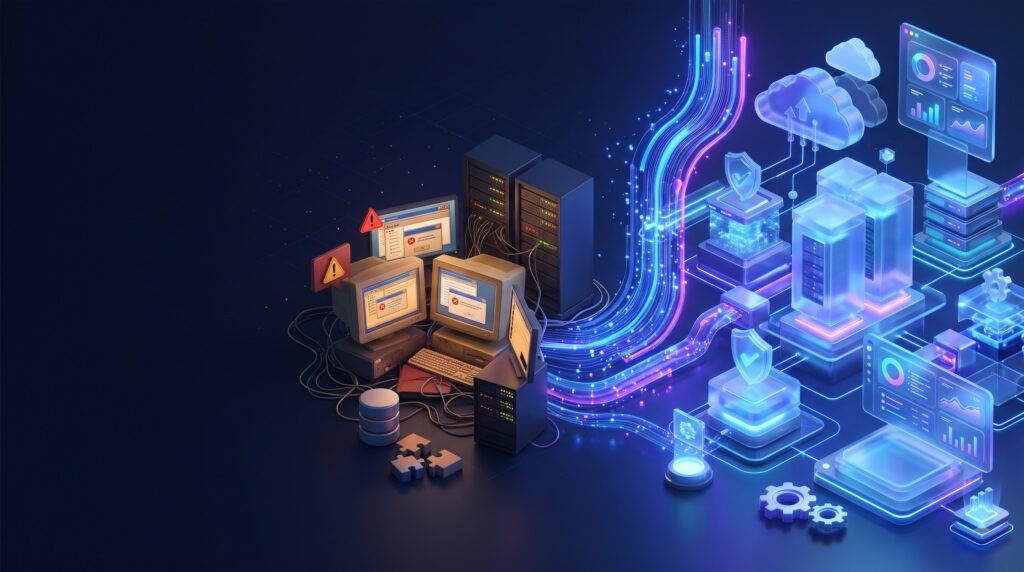
Older applications can become increasingly expensive and difficult to maintain. Improvement can be considered if a business problem is identified.
Improvement may be required for the following reasons:
1. High maintenance costs
Legacy software may be using legacy frameworks, libraries and/or technologies. Fewer developers may have knowledge on how to support them.
It may be difficult to find specialist developers to maintain the system. A small change may take more research to implement due to poor documentation. Improvement can help remove any unnecessary complexity by bringing dependencies up to date, better code structure and removing legacy features.
However improvement does take an investment. It should be considered how much improvement in maintenance is expected compared to the costs and risk of modifying the current application.
2. Integration is limited
There may be several applications within an enterprise performing payment processing, customer management, analysis, communication and business processes.
However, legacy systems may not have necessary APIs, authentication and data formats to support integration with new platforms.
As an example, customer management may be performed in an application but it may be difficult to reliably integrate this with a modern billing platform.
Improvements to API development and integration can allow integration of these systems without requiring complete replacement.
3. Performance and Scalability Problems
Some older applications were designed around smaller user bases and simpler workloads.
Performance issues may arise when many requests are made, querying databases and managing resources.
Performance can be enhanced by optimising databases, caching, infrastructure and applications.
Moving an application to a cloud environment will not necessarily improve performance if inefficient coding or poor database queries exist within the application.
Before implementing solutions, it is important to identify where in the application the performance issue is occurring.
4. Security and Compatibility Concerns
Unsupported software dependencies, outdated operating systems and unpatched frameworks can create security and compatibility risks.
It can be difficult to implement up-to-date security measures in legacy systems.
The assessment should highlight the obsolete components, known security risks, poor access control and system dependencies.
Focus on the security improvements that will have the greatest effect on the business and most sensitive data.
5. Slow Product Development
Legacy architecture can make ordinary product changes unnecessarily complicated.
Modifying multiple dependent modules to add a new feature requires more testing, making version control more complex.
By refactoring parts of the system, creating well defined module interfaces and increasing the level of automated testing within the system, development can be done with less risk.
Making maintenance and extension easier within the system.
Signs Your Legacy Software Needs Modernization
If your legacy software is working well, fulfilling business needs and is supported, it may not be necessary to make significant changes to it.
However, the following warning signs deserve attention.
| Warning sign | Potential problem | Possible response |
| Frequent application failures | Reliability problems | Improve monitoring and architecture |
| Unsupported dependencies | Security and compatibility risks | Upgrade or replace dependencies |
| Slow feature development | Technical debt and complex code | Refactor selected modules |
| Difficult integrations | Limited connectivity | Introduce APIs or integration services |
| Increasing infrastructure costs | Inefficient resource usage | Review hosting and infrastructure |
| Poor database performance | Inefficient queries or data design | Database optimization |
| Outdated user experience | Usability and adoption problems | UI/UX modernization |
| Missing documentation | Knowledge and maintenance risks | Code analysis and documentation |
A useful starting point is to identify which problems affect customers, employees or essential business operations.
For example, a slow internal reporting module may not require the same urgency as a payment-processing component that frequently fails.
Types of Legacy Software Modernization Services
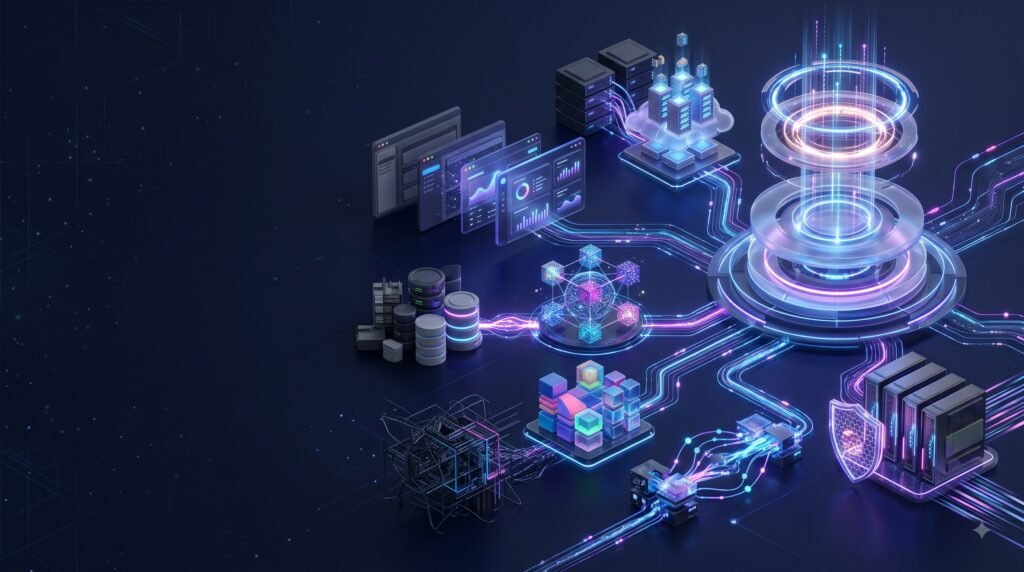
Modernization is a broad discipline. Different applications require different combinations of technical improvements.
Business applications can be modernized by providing the following services.
1. Legacy Application Assessment
Application assessment is usually one of the first activities in a modernization project.
Understand the current state of application dependencies and significance.
A typical assessment may include:
- Integration and third-party Service Analysis
- Security & Compatibility Considerations
- Deployment & Maintenance Analysis
- This analysis will provide an understanding of which elements need to be changed and which should remain.
It may be discovered that within the application, the ordering module is very stable, but the reporting section causes most performance issues.
By modernizing this section of the application, rather than the whole system, may be more efficient.
2. Code Refactoring and Technical Debt Reduction
This is restructuring code in a way that does not change its observable behaviour.
As a program ages, it can become increasingly complex with repeated code, highly coupled components, obsolete dependancies and hard-to-test components.
Refactoring helps solve this problem.
Refactoring commonly includes:
- Removing repeated code within code.
- Improving variable and component structure.
- Decoupling different functions.
- Updating dependencies.
- Introducing automated tests.
- Improving error handling.
- Simplifying complex functions.
Consider a SaaS application where billing, user management and reporting logic are closely connected.
Can have side effects on other modules. Makes components more decoupled and easier to manage.
Very useful if the current application is delivering value to the business, but has become difficult to develop due to poor architecture.
3. Cloud Migration and Infrastructure Modernization
Cloud migration involves moving applications, databases or infrastructure from existing hosting environments to cloud platforms.
Useful in providing increased flexibility in infrastructure, managed services and alternative hosting models
Cloud migration can involve:
- Moving virtual machines.
- Migrating databases.
- Configuring cloud networking.
- Introducing containerization.
- Updating deployment processes.
- Implementation
- Backup/restore processes implemented.
Monitoring and access controls implemented.
Several levels of migration can be applied.
In a simple migration, most application code will remain unchanged. A deeper modernization project might also introduce managed databases, container orchestration or cloud-native services.
Consider the architecture and requirements of your application.
If an inefficient application is moved into the cloud without first solving these inefficiencies, you may be moving those inefficiencies with your application.
4. Database Modernization
Databases often contain some of the most important information in a business application.
Legacy databases could be using an old version of the database, inefficient queries or difficult to scale data models.
Modernisation may include:
- Updating databases.
- Improving query performance and indexing.
- Improving database security.
- Reviewing data relationships.
- Migrating data between database technologies.
- Introducing backup and recovery processes.
- Improving database monitoring.
In a growing SaaS application, reports could be running slowly due to the size of data in the database.
It is possible to improve the query performance and/or data access to fix this issue without having to fully migrate the database. However, care needs to be taken with migrating the data as incorrect transformations may lead to missing data, duplicate data or inconsistent data.
5. API and Integration Modernization
Older applications frequently operate as isolated systems.
Expose certain functionality of an application through an API.
Considerations
For example, an existing inventory application might need to exchange information with:
- An e-commerce platform.
- A customer relationship management system.
- A payment service.
- A warehouse management application.
- A reporting platform.
Authentication, authorisation, validation, error handling, throttling and API versioning should be considered when exposing an API.
Existing consumers of the application must be considered. If changes are made to the interface of the application but the dependant systems have not been considered, then disruption could occur within existing processes.
6. User Interface and Experience Modernization
Some legacy applications remain technically functional but are difficult for employees or customers to use.
Navigation may be out of date, layout may be inconsistent and processes may be inefficient.
UI/UX modernization focuses on improving how users interact with the application.
It may include:
- Updating navigation.
- Simplifying forms.
- Improving accessibility.
- Introducing responsive layouts.
- Reducing repetitive user actions.
- Improving information hierarchy.
- If an operations dashboard requires a user to navigate through multiple screen to perform a process, this can be simplified.
Related information can be grouped together in order to make navigating more efficient. However, just updating the UI/UX will not solve wider issues within the backend. If the backend is unstable, simply improving the front-end will not fix wider issues.
7. Architecture Modernization
Architecture modernization involves changing how an application is structured so it can better support future development and operational requirements.
Some older applications use tightly coupled architectures in which multiple features depend on the same components.
Difficulties may arise in deploying, maintaining, and scaling.
Potential improvements Modular architecture.
- Introducing modular architecture.
- Separating application responsibilities.
- Improving service boundaries.
- Introducing asynchronous processing where appropriate.
- Implementing API gateways.
- Breaking selected components into independent services.
Not all applications need microservices. A well-designed modular monolith may be better (cheaper) to maintain, especially if it is a small product. The architecture should be decided based on the actual level of complexity required by the application, staff skill and forecasted growth.
Legacy Software Modernization Approaches Compared
Selecting the right modernization approach is one of the most important decisions in the project.
Rehosting, Replatforming, Refactoring, Rearchitecting, Rebuilding and Replacing.
These options are not interchangeable. Each changes a different part of the existing software.
| Approach | What changes | Suitable situation | Main limitation |
| Rehost | Hosting environment | Infrastructure needs to move quickly | Existing code limitations remain |
| Replatform | Underlying platform | New infrastructure or runtime is needed | Architecture may remain unchanged |
| Refactor | Internal code structure | Existing functionality is valuable but difficult to maintain | Requires testing and engineering effort |
| Rearchitect | Application architecture | Existing structure limits development or scaling | More complex implementation |
| Rebuild | Application implementation | Existing software cannot meet important requirements | Higher migration and transition risk |
| Replace | Software product | Existing functionality can be handled by another solution | Custom workflows may need adjustment |
Rehosting
Rehosting, commonly called lift and shift, moves an application to another infrastructure environment with minimal changes to its code.
May be suitable if you wish to reduce reliance on outdated infrastructure, or move your hosting platform. However, it will not improve the quality of your code, databases or application architecture.
Replatforming
Replatforming moves an application to a new platform while making selected changes to support the new environment.
A refactoring allows us to change from a self-hosted database to a database as a service (without major changes to application functionality)
This can reduce the maintenance burden of infrastructure without requiring major changes to the application.
Refactoring
Improving an application without changing its functionality.
Useful if the application still provides value, but is difficult to maintain or add features to due to poor architecture.
Rearchitecting
Rearchitecting introduces more substantial changes to the application’s structure.
An example of this could be breaking down a monolithic application into smaller services.
This can increase flexibility in the system, but requires consideration in new areas of architecture, deployment and operations.
Rebuilding
Rebuilding involves developing a replacement application using a new implementation.
It may be necessary when the existing platform is unsupported, the application is extremely difficult to maintain or its architecture cannot reasonably support the required functionality.
However, rebuilding introduces risks around missing business logic, data migration and user adoption.
The new application must preserve important workflows that users depend on.
Replacing
Sometimes the most practical option is to replace an internally developed application with an existing SaaS product or commercial software solution.
If this is an off-the-shelf solution for a common function, this may be suitable.
Consider the cost of the subscription, integration requirements, data ownership, limitations in customisation, and dependence on the supplier.
How to Choose the Right Modernization Approach
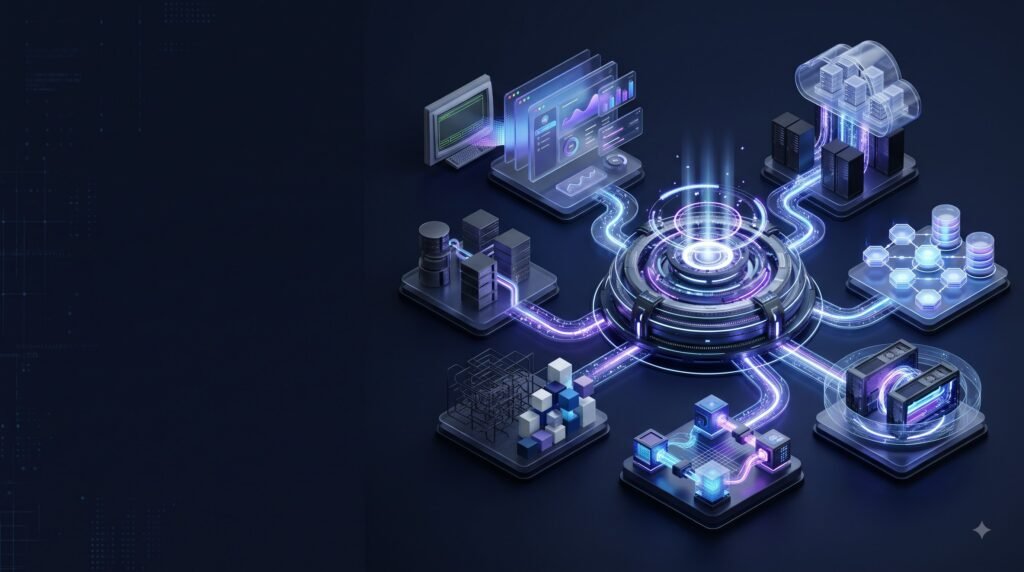
The best approach depends on the actual problem rather than the popularity of a technology.
Use the following decision framework.
If the main problem is outdated hosting: Consider rehosting or replatforming.
If the main problem is difficult code maintenance: Evaluate refactoring.
If the application cannot support new integrations or changing business requirements: Consider rearchitecting selected components.
If the existing application is fundamentally incompatible with future requirements: Evaluate rebuilding.
If the application performs a standard business function: Compare replacing it with an existing software product.
Before making the decision, evaluate five factors:
- Business value: How important is the application to daily operations and customers?
- Technical condition: Are the main problems related to infrastructure, code, architecture or data?
- Migration risk: What could happen if the application becomes unavailable?
- Available resources: Does the business have the budget and engineering capacity to support the proposed approach?
- Future requirements: What integrations, workloads and product changes must the application support?
A mixed approach is often reasonable. Different modules within one application may need different modernization strategies.
The Legacy Software Modernization Process
Follow a process to ensure important business functionality is maintained in legacy software modernization.
Step 1: Understand the Existing Application
Begin by documenting the current application.
What does it offer? Who is it for? What architecture, data and systems is it integrated with?
Which components are critical and which can be removed?
This can help avoid important business functionality being lost in the modernisation process.
Step 2: What technical and business issues are we facing?
List the problems.
These might include:
- Slow response times.
- Frequent system failures.
- Difficult integrations.
- Unsupported dependencies.
- Security weaknesses.
- High maintenance effort.
- Limited scalability.
Prioritise them based on business value.
Improved maintainability, new functionality, performance, tighter security and more flexible architecture can all be possible outcomes.
Step 3: Define the Target Architecture
Determine what the modernized application needs to support.
Consider what you actually need in your target architecture. Don’t be tempted to apply micro-services, containers or other current buzz words just because they are popular.
Step 4: Create a Modernization Roadmap
Break the project into manageable stages.
For example:
- Stage 1: Assessment and technical documentation.
- Stage 2: Security updates/critical dependencies.
- Stage 3: Improving database and integration.
- Stage 4: Refactor specific code.
- Stage 5: Improve infrastructure/deployment.
- Stage 6: Test, migrate and deliver.
This will vary between applications.
Some projects may require stabilisation of the infrastructure before any application changes, while others may be improved by focusing on an impactful component first.
Step 5: Modernize in Controlled Phases
Don’t make unnecessary changes to all components at once.
Where possible, modernize smaller modules, validate their behavior and gradually extend the improvements.
A phased approach can help teams identify problems earlier and reduce the size of individual releases.
During this stage, maintain clear version control, technical documentation and testing procedures.
Step 6: Test existing and new functionality
This is very important as there may be complex business logic in place within old systems which may not have been documented.
A modernization project should include:
- Unit testing.
- Integration testing.
- Regression testing.
- Performance testing.
- Security testing.
- User acceptance testing.
- Data validation.
Regression Testing To avoid any disruption, regression testing should be performed.
Data mapping
Step 7: Plan Data Migration and Deployment
Data migration requires a separate plan.
Identify the data that needs to be moved, match the source and target fields, verify records and design roll back processes.
Depending on the application, it may be necessary to run both the legacy system and the new system in parallel.
Deployment process
Define how user migration will happen, data will be synchronised and what will happen if there is a serious issue within the new system.
Step 8: Monitor the Modernized Application
Modernization does not end when the updated software goes live.
Check for improvements in performance, error reduction, availability, security and user feedback.
Compare this with the issues that were raised in the initial evaluation.
If improving report performance was one of the project goals, record the time taken to run reports before and after changes were made. This provides evidence of whether the desired improvements have been achieved.
Common Challenges in Legacy Software Modernization

Even well-planned modernization projects can encounter difficulties.
Avoidable risk can be reduced by understanding these issues.
Missing Documentation
Some legacy applications have limited or outdated technical documentation.
Understanding how key processes are implemented within the source code, data models and application itself may be necessary.
Solution: Identify key processes and dependencies. Ensure knowledge is transferred from staff with knowledge of the current system.
Missing Business Logic
Some business logic may be missing from the requirements. For example, a seemingly redundant data calculation or validation may be a critical part of a business process.
Solution: Talk to relevant users, and document business processes. Write regression tests to cover important logic.
Data Migration Problems
Data formats, database structures and relationships may differ between old and new systems.
Data loss, inconsistencies and incorrect references may occur.
Solutions
Document data mappings for conversion. Perform test conversions. Verify data integrity before routing live traffic.
Disruption of Business Processes
Some applications are core to business operation, and downtime is unacceptable for long periods.
Poor migration planning may cause disruption to customers or business processes.
Solutions
Implement in stages. Ensure backups are in place. Have a rollback plan in place. Run parallel with existing systems where necessary.
Scope Expansion
Projects can quickly get out of scope if all features within an application are attempted to be rewritten.
This can lead to overly complex implementations, and difficulty measuring progress.
Solutions
Clearly define what work will be done in the project. Prioritise core improvements. Document any additional requirements to handle additional requirements.
Lack of knowledge of legacy systems
While developers may be familiar with modern systems, there may be a lack of knowledge of the original tech stack in the application.
Solutions
Complete analysis of application, investigation of code and knowledge transfer prior to major architectural changes.
How to Choose a Legacy Software Modernization Partner
Choosing a development partner requires more than comparing technology lists.
Know what changes are possible and provide details of how this transition will occur.
Consider these factors when evaluating potential providers.
1. Assessment Before Recommending a Rewrite
Responsible partners will consider an understanding of the existing system before suggesting rebuilding the application from scratch.
Specific Changes
Ask how the team evaluates architecture, dependencies, data structures and business requirements.
2. Clear Modernization Scope
Outline what changes will be made, and what changes will not take place in this project. Include any assumptions, dependencies, what testing is required, and what migration responsibilities are required.
3. Testing and Quality Assurance
Ask how the team will verify that existing functionality continues working.
Discuss regression testing, integration testing, security validation and user acceptance testing.
4. Data Migration Planning
Understand how the team will preserve important business information during the transition.
Ask about data validation, backups, synchronization and rollback procedures.
5. Deployment & Support
Regular updates, clear deliverables and clear roles will keep your project on track.
How automated deployment, monitoring, documentation and support is managed within the team.
6. Transparent Communication
The development partner should explain technical decisions in language that business stakeholders can understand.
Technical decisions made by your development partner should be communicated in a way that is easily understood by members of the business.
How Modernization Supports SaaS Production Readiness
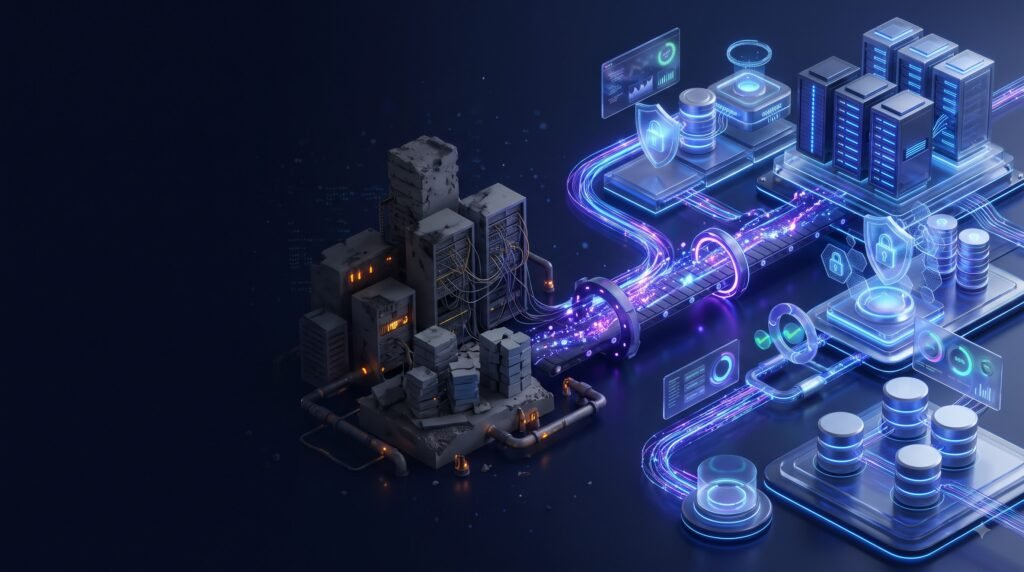
Legacy software modernization and production readiness are related, but they solve different problems.
Modernisation refers to improving the application. Production readiness ensures that the application can be deployed successfully within live environments.
Modernisations within SaaS businesses may include improved database performance, API integration, dependency updates and optimising application modules to improve.
Once modernised, the application should be tested for production readiness. This includes testing deployment processes, monitoring, security, backup and recovery, performance and support.
Founders planning a launch can also refer to BKABHI’s MVP Production Readiness Checklist for a broader overview of preparing a product for production.
Consideration needs to be given to co-ordination of these activities.
How BKABHI Fits Into Software Modernization
Software modernization decisions should begin with an understanding of the existing product, its technical limitations and the business outcomes expected from the project.
BKABHI is positioned as helping businesses deliver their MVP. Its relevance to a legacy modernization project should therefore be evaluated against the actual engineering scope rather than assuming it offers every specialist modernization service. Businesses exploring this area can also review legacy software modernization services to understand the approaches and expertise involved.
What integration is required with existing systems, and which business functions need maintaining and what features the new product need to provide.
A preliminary technical analysis will help determine if you are looking to enhance an existing product, provide an alternative solution, or create new functionality to supplement existing systems.
Specific legacy modernization packages, migration pricing and dedicated modernization service capabilities are not publicly verified in the information reviewed for this article.
Frequently Asked Questions
1. What are legacy software modernization services?
Modernisation services allow legacy applications (application, database & infrastructure) to be updated to suit modern needs. They can include refactoring, migrating to the cloud, modernising databases, adding APIs and improving system architecture.
2. When should a business modernize legacy software?
Consider modernisation if the current application is causing regular maintenance issues, performance problems, difficulty integrating, security issues, or hinders product development. It should be considered based on its effect on your business, not just it being old.
3. What are the main approaches to legacy software modernization?
Depending on the current state of your application and business needs, you may choose to rehost, replatform, refactor, rearchitect, rebuild and replace.
4. Is legacy software modernization better than rebuilding?
Not necessarily. Modernisation is a great way to maintain useful features within the solution. However, if it is not reasonable to meet future requirements using the current architecture/technology of the solution, rebuilding may be necessary. We recommend comparing both of these options.
5. How long does legacy software modernization take?
Varies depending on the size of application, dependencies, complexity of data required, level of testing required and migration risk. Upgrades to a small number of dependencies can be much less of a task than a mission critical application that needs to be rebuilt. Accurate timeframes can only be given by assessing the real system.
6. Does legacy software modernization require cloud migration?
Not necessarily. Depending on the application, there may be benefits to be had from modernising the code, DB, APIs or architecture of applications, without moving them to different infrastructure.
7. Can we modernise legacy applications with minimal disruption?
Depending on the application architecture, and required operations, you can often reduce disruption by using phased migrations, running apps in parallel, automated testing, backups and controlled deployments.
8. What is the difference between legacy software modernization and application maintenance?
Maintenance refers to the process of fixing bugs, making changes and improvements to software applications. Modernisation refers to making significant architectural, infrastructural, code and/or technological changes to an application to overcome wider issues.
9. What factors should be considered when choosing a modernisation provider?
Businesses should review the provider’s assessment process, technical approach, architecture planning, testing practices, data migration strategy, deployment process and communication standards. It is important to define the scope of the project.
10. Can AI support modernisation?
AI-assisted tools can support activities such as code analysis, documentation, dependency identification and code transformation. However, generated outputs require engineering review, testing and validation. AI can support modernisation, but should not be used as a replacement to technical evaluation and quality checks.
Conclusion
Legacy software modernization is not necessarily about replacing everything that already exists. Determine how to best improve a system based on restrictions within an application.
Depending on the situation required changes may be made to infrastructure components, re-factored, improved in terms of databases, adding APIs or changing architecture. Sometimes it may make more sense to rebuild or replace a system.
The most useful starting point is a structured assessment of the existing system. Consider business value, technical state, dependencies and future requirements to determine how much change is needed in order to improve the system.
Creating a staged improvement plan with testing and documentation will allow businesses to improve their software, with minimal disruption to key processes.
Author Bio
Author: Jeevesh Tripathi
Jeevesh Tripathi writes research-based content about software development, SaaS, artificial intelligence and technology for businesses. His work focuses on practical explanations, evidence-based comparisons and helping founders understand technical decisions without unnecessary jargon.
Email: jeevesh@bkabhi.com