

Table of Contents
Version 1 vs MVP: What’s the Difference?
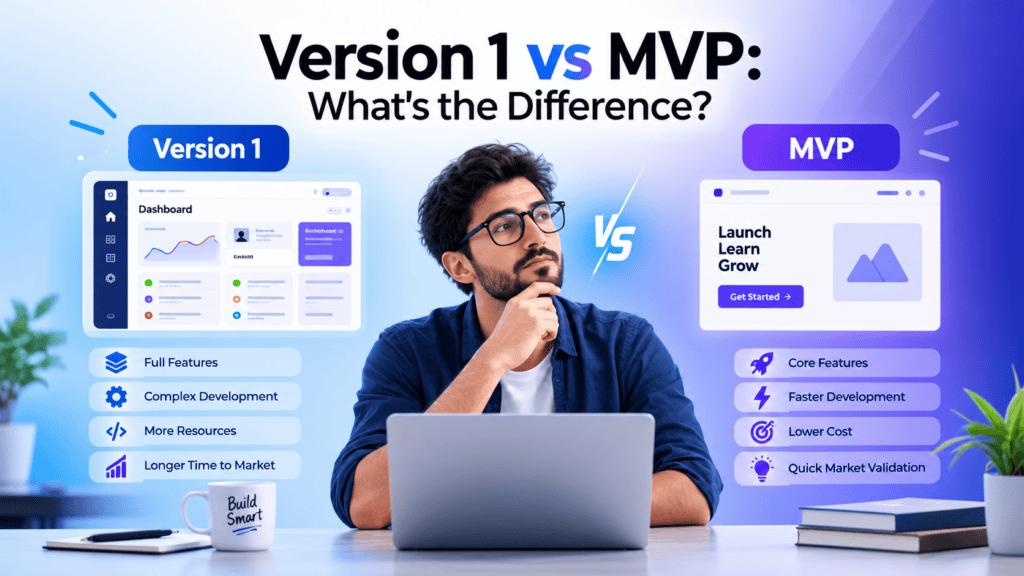
If you’re deciding what to build first, you’ve probably heard two terms repeatedly: MVP and Version 1.
They’re often treated as interchangeable. They aren’t necessarily.
An MVP (Minimum Viable Product) is primarily about learning: what’s the smallest viable solution you can put in front of users to test an important product assumption? Version 1, or V1, generally refers to the first defined release of the product.
Sometimes your MVP is Version 1. Sometimes the MVP comes before Version 1. And in some projects, there may be no reason to separate the two at all.
The useful question isn’t which label is better. It’s what does the first release need to prove, and what does it need to deliver?
Quick Answer: Version 1 vs MVP
An MVP is built around a validation objective. It should contain enough functionality to test a meaningful hypothesis with real users and generate useful evidence.
Version 1 is generally a release milestone. It represents the first defined version of a product that a team intends to deliver to its target users.
That means an MVP can also be Version 1 if the first release is deliberately designed to validate the product.
For example, a startup might launch a narrow scheduling application with one workflow as its MVP and call that release Version 1. Another company may first run a small MVP with early adopters, learn from it, and then build a broader Version 1 release.
The difference is therefore less about the number of features and more about purpose, scope, and release expectations.
What Is an MVP?
MVP stands for Minimum Viable Product.
The concept is centered on building enough of a product to deliver meaningful value while allowing a team to learn from real users.
Microsoft for Startups describes an MVP as an early version that works for real users and generates real data.
That doesn’t mean an MVP should be badly built.
“Minimum” refers primarily to scope. It doesn’t give a team permission to ignore reliability, security, data integrity, or the core user experience.
A useful MVP might contain:
- One core workflow
- A narrow target audience
- Basic authentication
- A simple database
- Essential integrations
- Analytics
- A way to collect feedback
- Enough reliability for the intended test
The exact contents depend on the hypothesis being tested.
Example
Suppose you’re building a SaaS platform that helps small businesses automate invoice follow-ups.
Your long-term product might eventually include:
- Automated reminders
- AI-generated messages
- Accounting integrations
- Team permissions
- Advanced analytics
- Custom workflows
- Multiple billing plans
- Mobile apps
- Enterprise administration
An MVP might only need:
- Customer entry
- Invoice information
- Reminder creation
- Automated email delivery
- Basic tracking
If those features let you test whether businesses actually want automated invoice follow-ups, the MVP may be doing its job.
You don’t need every feature in the eventual product to learn whether the core problem is worth solving.
What Is Version 1?
Version 1 usually means the first defined release of a product.
Unlike MVP, Version 1 doesn’t have one universal definition across the software industry.
A team might use “V1” to mean:
- The first public release
- The first commercially usable release
- The first complete version of a defined feature set
- The first release after a prototype
- The first release after an MVP
- Simply the first numbered release
That’s why asking a development team to “build Version 1” without defining what Version 1 means can create scope problems.
A product manager might consider V1 to be a focused release for early customers. Another organization might use V1 to describe a broader production-ready product with stronger operational requirements. This distinction is important because, as Boldare explains in its comparison of a first app version, prototype, and MVP, an initial product release can serve different purposes depending on what the team is trying to validate and learn.
The label alone doesn’t tell you enough.
Version 1 vs MVP: The Core Difference
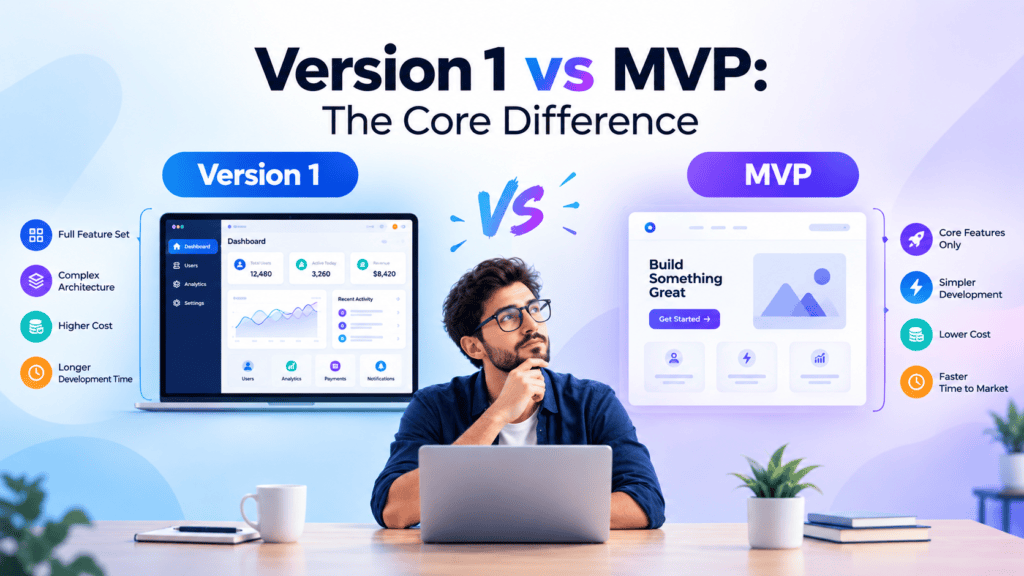
The simplest way to understand the distinction is:
MVP is primarily a learning strategy. Version 1 is primarily a release designation.
Here’s how that changes the planning process.
| Criteria | MVP | Version 1 |
| Main purpose | Validate an important assumption | Deliver a defined product release |
| Main question | “Will users value this?” | “What are we releasing?” |
| Scope | Intentionally narrow | Defined by the release requirements |
| Features | Minimum required for learning/value | Required features for the planned release |
| Target users | Often early adopters | Intended release audience |
| Feedback | Central to the process | Important but not necessarily the main objective |
| Analytics | Used to validate assumptions | Used for product and business operations |
| Quality | Reliable enough for the intended test | Usually aligned with release expectations |
| Can it be public? | Yes | Yes |
| Can it generate revenue? | Yes | Yes |
| Can they be the same? | Yes | Yes |
The table also explains why feature count isn’t a reliable way to distinguish the two.
A five-feature product can be a mature Version 1.
A five-feature product can also be an MVP.
The difference is what those five features are supposed to accomplish.
Is an MVP the Same as Version 1?
Not necessarily.
There are three common scenarios.
Scenario 1: MVP = Version 1
A startup has identified a narrow problem and wants to release a focused product to its first customers.
The team defines the MVP as the first public release.
In this case:
MVP = V1
There’s nothing wrong with this.
Scenario 2: MVP comes before Version 1
A startup is uncertain about demand.
It builds a narrow MVP, launches it to a small group, measures usage and collects feedback.
The team then changes:
- Features
- User flows
- Pricing
- Positioning
- Architecture
- Onboarding
- Product priorities
After learning from the MVP, it builds Version 1.
In this case:
MVP → learning → Version 1
This is often what founders mean when they talk about “moving beyond the MVP.”
Scenario 3: Version 1 doesn’t need an MVP
Imagine an established company already knows what customers need and is replacing an internal system.
The requirements may come from:
- Existing workflows
- Customer research
- Regulatory requirements
- Known technical constraints
- Existing product data
- Business requirements
The team may simply build and release Version 1 of the new system.
There’s no universal rule saying an MVP must precede every Version 1.
MVP vs Version 1: Scope Isn’t the Same as Quality
This is one of the most important distinctions for founders.
A narrow MVP can still be well engineered.
For example, MVP payment flow may require:
Secure authentication
Correct payment processing
Error handling
Data protection
Basic monitoring
Reliable transaction records
They’re part of making the core workflow viable.
Are not necessarily “extra” capabilities. What you might delay are more advanced or niche features such as:
- Advanced reporting
- Multiple payment providers
- Complex permissions
- Automated reconciliation
- AI recommendations
- Customization
The objective is to narrow the scope, not introduce flaws on purpose.
What Should Go Into Version 1?
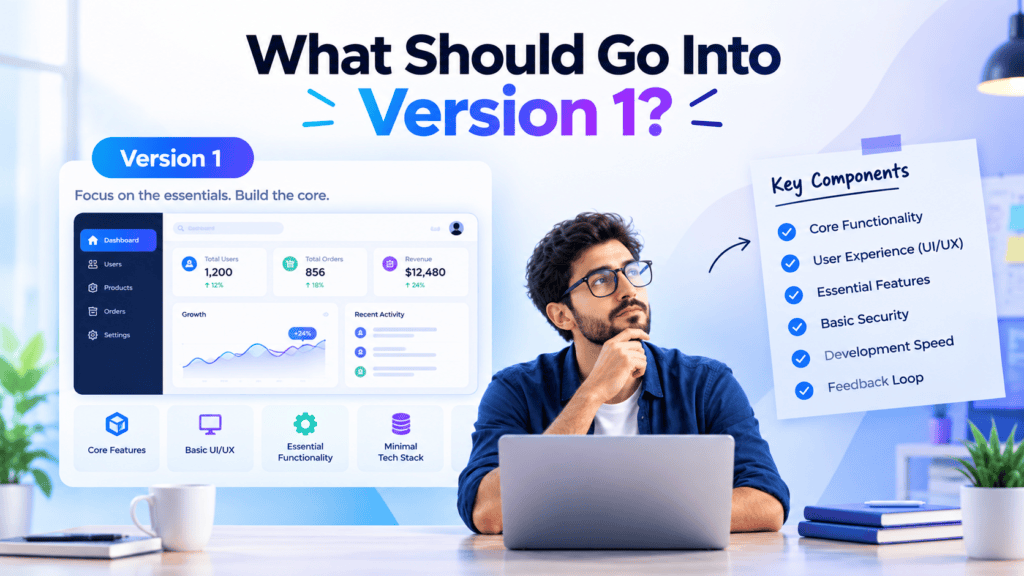
That depends on what Version 1 is expected to accomplish.
A useful V1 definition should specify:
1. Target user
Who is actually using the release?
2. Core job
What must the user be able to accomplish?
3. Required workflows
Which workflows must work from beginning to end?
4. Quality expectations
What level of reliability, performance and usability is required?
5. Business requirements
Does the product need:
- Payments?
- Subscriptions?
- Customer support?
- Analytics?
- Billing?
- User management?
6. Technical requirements
Does the release require:
- API integrations?
- Cloud deployment?
- Multi-tenancy?
- Data migration?
- Mobile applications?
- Security controls?
7. Success criteria
How will the team know Version 1 is ready?
Without these definitions, “build Version 1” can become a vague instruction that encourages scope creep.
Does an MVP Cost Less Than Version 1?
Often, but not automatically.
An MVP usually has a smaller scope, which can reduce development effort.
But cost depends on factors such as:
- Number of platforms
- Feature complexity
- UI/UX requirements
- Integrations
- Authentication
- Payments
- Real-time functionality
- AI features
- Data migration
- Infrastructure
- Security requirements
- Testing
- Team structure
A narrow SaaS MVP with a complex AI integration could cost more than a simple Version 1 internal dashboard.
That’s why the labels MVP and V1 shouldn’t be used as pricing categories.
BkAbhi’s existing MVP cost research similarly breaks cost down by scope, feature complexity, platform requirements and development requirements rather than treating “MVP” as one fixed product size.
For a deeper budgeting discussion, see the MVP development cost breakdown.
Which Is Faster: MVP or Version 1?
An MVP can be faster when its scope is deliberately narrow.
But “Version 1” doesn’t inherently mean slow.
A small V1 can be delivered quickly, while a badly scoped MVP can take months.
The deciding factors are usually:
- Scope
- Number of platforms
- Technical complexity
- Integration requirements
- Team capacity
- Decision speed
- Requirements stability
For example, a web-only scheduling product with one core workflow could potentially be much faster to build than a so-called MVP requiring iOS, Android, web, AI recommendations, real-time chat and five external integrations.
The word “MVP” doesn’t make complexity disappear.
What About SaaS Products?

The distinction becomes particularly useful for SaaS founders.
A SaaS MVP may need enough infrastructure to support the specific validation experiment.
For example, if you’re testing whether companies will pay for a reporting tool, you may need:
- Account creation
- A core reporting workflow
- Data input
- Basic billing
- User access
- Analytics
You probably don’t need every enterprise feature on day one.
Later, Version 1 might expand the operational product with:
- Better onboarding
- Role-based permissions
- Improved billing
- Team management
- Integrations
- Reliability improvements
- Customer support workflows
- More complete reporting
The transition should be driven by evidence and product requirements rather than a calendar label.
A Practical Example: MVP to Version 1
Imagine a founder wants to build a SaaS platform for independent consultants.
Long-term vision
The product could eventually include:
- CRM
- Proposal generation
- AI assistance
- Invoicing
- Payments
- Calendar integrations
- Team accounts
- Client portals
- Analytics
- Mobile applications
Building everything immediately would create a large project.
MVP
The founder decides to test one assumption:
Will consultants regularly use one workspace to manage their client projects?
The MVP therefore includes:
- Account creation
- Client records
- Project tracking
- Basic status updates
- Simple dashboard
The team launches to a small group of consultants.
What the team learns
Users like the project tracking but repeatedly request:
- Client sharing
- Notifications
- Calendar integration
- Better permissions
They also discover that the mobile experience isn’t important yet.
Now the roadmap can be based on actual evidence.
Version 1
The next release could add:
- Client collaboration
- Notifications
- Better permissions
- Improved onboarding
- Billing
- More reliable reporting
The result isn’t simply “more features.”
It’s a product shaped by what the MVP revealed.
When Should You Choose an MVP?

An MVP might be a good idea if:
- Your market demand is unknown
- you are experimenting with a new business model
- you are not sure what the best workflow is
- you do not have a large development budget
- You need to know what users are doing before you expend
- you expect to change your assumptions
- you want to test a limited set of potential uses for your product
The important thing is to define what you think is unknown
If you don’t know what question the MVP is answering, reducing the feature list alone doesn’t make it a meaningful MVP.
When Does a More Complete Version 1 Make Sense?
A more complete V1 may make more sense when:
- The core problem has already been validated
- The target users are understood
- Requirements are relatively stable
- Customers expect a broader workflow
- The product must support daily operations
- Reliability requirements are higher
- The release needs a defined commercial feature set
This doesn’t mean V1 should include everything on the roadmap.
It means the release should meet the requirements you’ve actually defined for that release.
How to Decide Between MVP and Version 1
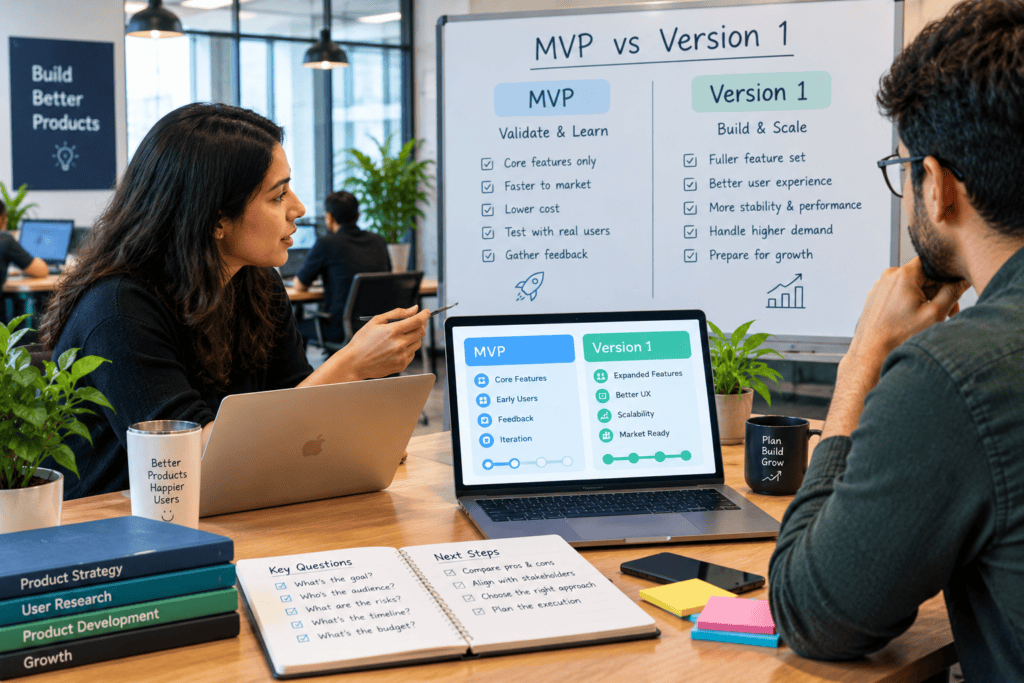
Ask these five questions.
1. What is still uncertain?
If you’re uncertain whether customers want the product, validation should be central.
2. What must users accomplish?
Define the smallest complete workflow that creates meaningful value.
3. What evidence already exists?
Look at:
- Customer interviews
- Existing sales
- Prototype testing
- Usage data
- Competitor evidence
- Existing customer behavior
4. What does the first release need to support?
Define the actual operational requirements instead of simply saying “V1.”
5. What happens after launch?
If the answer is “we’ll measure, learn and change direction,” you’re probably thinking in MVP terms.
If the answer is “we already know the requirements and need to deliver the first production release,” you’re probably thinking in V1 terms.
What Comes After an MVP?
An MVP shouldn’t become an excuse to keep rebuilding the same experiment forever.
After launch, collect evidence from:
- Activation
- Usage
- Retention
- Conversion
- Revenue
- Support requests
- User interviews
- Feature usage
- Churn
- Qualitative feedback
Then decide what the evidence means.
Possible outcomes include:
Continue: The core hypothesis looks promising.
Iterate: Users value the concept but the product needs changes.
Pivot: The original assumption was wrong or incomplete.
Stop: The evidence doesn’t justify additional investment.
If the evidence supports continued development, the next stage may involve moving toward a broader product release.
BkAbhi’s existing MVP development process covers the broader path from validation through development, launch and post-launch iteration.
How BkAbhi Fits Into This Decision
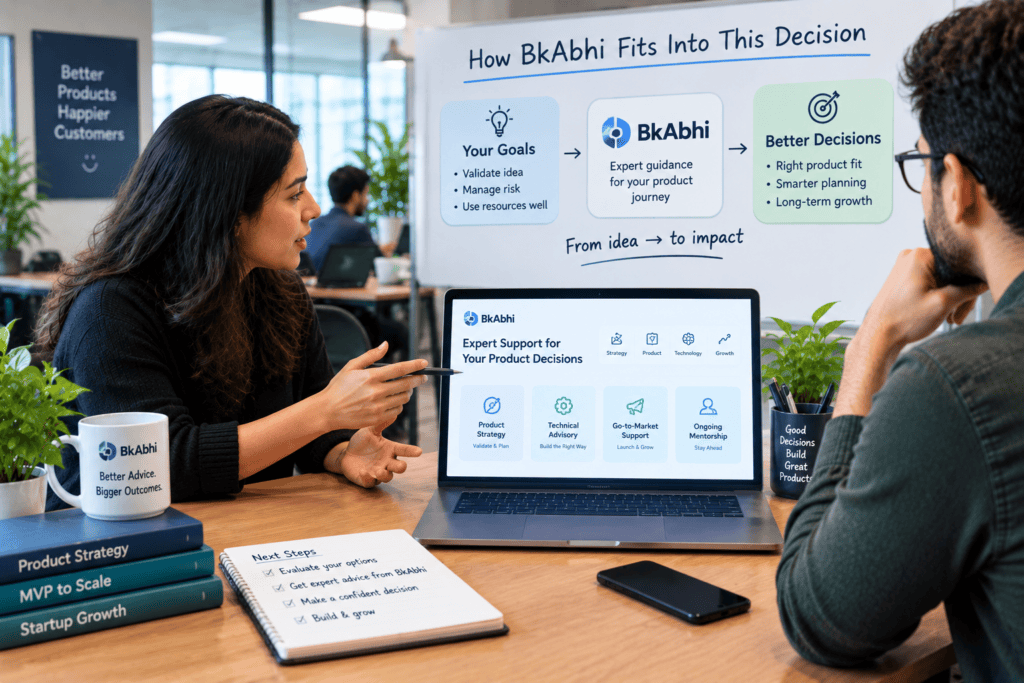
BkAbhi’s publicly accessible company information describes capabilities across web development, mobile applications, SaaS application development, AI and automation, API integrations, and backend/cloud infrastructure.
Its current public content also focuses heavily on MVP development, including MVP definitions, development processes, costs and prototype comparisons.
For a founder considering external development help, the important question isn’t simply whether a company can build an MVP.
Ask what the team can help you define:
- What should actually be tested?
- Which features belong in the first scope?
- Which requirements are non-negotiable?
- What should be postponed?
- What should happen after launch?
- What does ownership include?
- How will changes in scope be handled?
- What support exists after deployment?
Those questions remain useful whether you choose BkAbhi, another development company, freelancers, an internal team or a no-code approach.
Final Comparison
The simplest way to remember the difference is:
MVP = a minimum viable way to learn and validate.
Version 1 = a defined first product release.
They can be the same thing.
They can also be two different stages.
If you’re still testing whether users want the solution, design the first build around the learning objective.
If the core problem is already validated and you’re delivering a defined product to a broader audience, focus on the release requirements.
Don’t choose the label first.
Choose the question, define the scope, establish the success criteria, and then decide what the first release should contain.
Author Bio
Jeevesh Tripathi researches and writes about technology, AI, software, SaaS, and creator/business tools. His work focuses on research-based comparisons, practical product analysis, and evidence-based evaluation.
The goal is to separate verified facts from interpretation and give readers practical information they can use when evaluating software, development approaches, and technology decisions.
Email: jeevesh@bkabhi.com